
Description
WooCommerce referral rewards
Turn happy customers into your next source of sales.
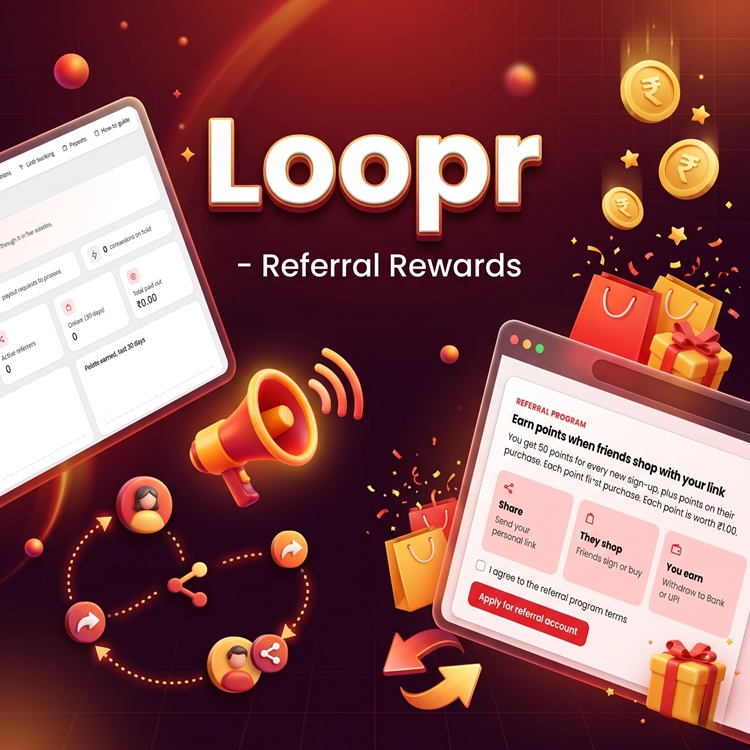
Loopr gives each approved referrer a personal link, tracks qualifying sign-ups and orders, and turns their rewards into a balance they can request as a Bank or UPI payout.
A simple journey
Share. Shop. Earn.
Customers share a link
Approved referrers copy their personal link from the Referrals area in My Account.
Friends sign up or shop
Loopr attributes qualifying sign-ups and orders to the referral link.
Rewards become a balance
Referrers follow their points and request a payout when they meet your minimum.
Made for your store
Everything you need to run the program.
Referral links and tracking
Give approved customers a shareable link and track clicks, sign-ups, and attributed orders.
Reward rules you control
Configure sign-up and sale rewards, choose fixed or percentage-based sale points, and set product-level points.
A hold period for orders
Keep new rewards pending for your chosen period. Refunded or cancelled orders have their points reversed.
A customer rewards dashboard
Customers can review their referral link, balance, pending points, conversions, and payout history.
Bank or UPI payout requests
Let referrers save their preferred payment details and request a payout after reaching your minimum.
Store-owner oversight
Review referrers and conversions, manage pending rewards, and process or reject payout requests in your store admin.
Your program, your rules
Set the reward rules that fit your business.
- Set the value of a point and the minimum payout.
- Choose your qualifying sale reward and order attribution settings.
- Set a hold period to allow time for returns or cancellations.
- Manage customer and payout email notifications.
Can I choose how customers earn points?
Yes. Configure sign-up points, fixed or percentage-based sale points, and product-level point values.
What happens when an order is refunded or cancelled?
Points for the refunded or cancelled order are reversed. You can also configure how long new points stay pending.
How do customers request their rewards?
Customers save Bank or UPI payment details, then request a payout from the Payments area when their balance meets your minimum.
Use the Add to cart button on this page to get Loopr for your WooCommerce store.
Reviews
There are no reviews yet.